






Stormshot: Adventure Creation Talents Guide
Stormshot: Isle of Adventure is an engaging mobile strategy game that blends puzzle-solving, city-building, and pirate-themed exploration into a lively adventure. Set on a mysterious island teeming with hidden secrets, forgotten treasures, and ancient curses, you play as a daring adventurer leading a growing group of survivors and treasure hunters. The game features a variety of empowering systems, including the important "Creation" system, which allows you to customize your heroes' playstyles. This guide covers everything newcomers need to know to strengthen their heroes.
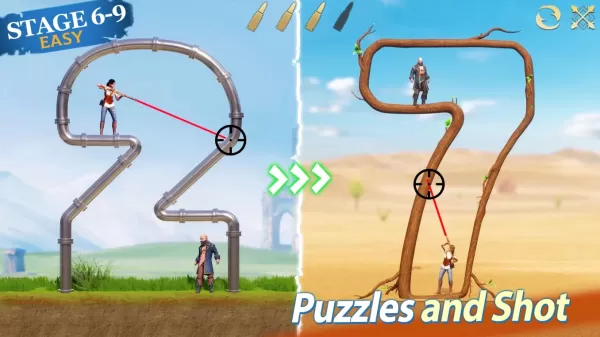
Make Timely Use of Iron Defense
Once you have Iron Defense and healing abilities, timing becomes crucial. In multi-target battles, activate Iron Defense just before healing to lower incoming damage and recover securely. For boss guardians or multi-phase encounters, begin with Iron Defense plus Heal while all enemy mobs are active to maximize blocking efficiency.
Choosing the Right Crests
Start by crafting and upgrading level 4 crests, which provide the best value for your resources. When level 5 crests become available, convert two lower-level crests to upgrade one higher-tier crest. Prioritize fully ascending Defense and Attack first, then Health, followed by Parry. This method ensures your gear's power aligns with your talent progression without wasting materials early in the game.
Stormshot: Isle of Adventure offers extensive customization through its Creation talents, gear sets, and crest mechanics. For new players, a phased approach—starting with a hybrid build before specializing—is most effective, with the Warrior talent serving as a reliable foundation. Aligning crests and gear boosts your efficiency, especially after crafting top-tier equipment and maxing out talent paths. Skill timing, such as deploying Iron Defense, significantly improves survivability in challenging fights.
You can also enjoy Stormshot: Isle of Adventure on a larger PC or laptop screen using BlueStacks, along with your keyboard and mouse.
-
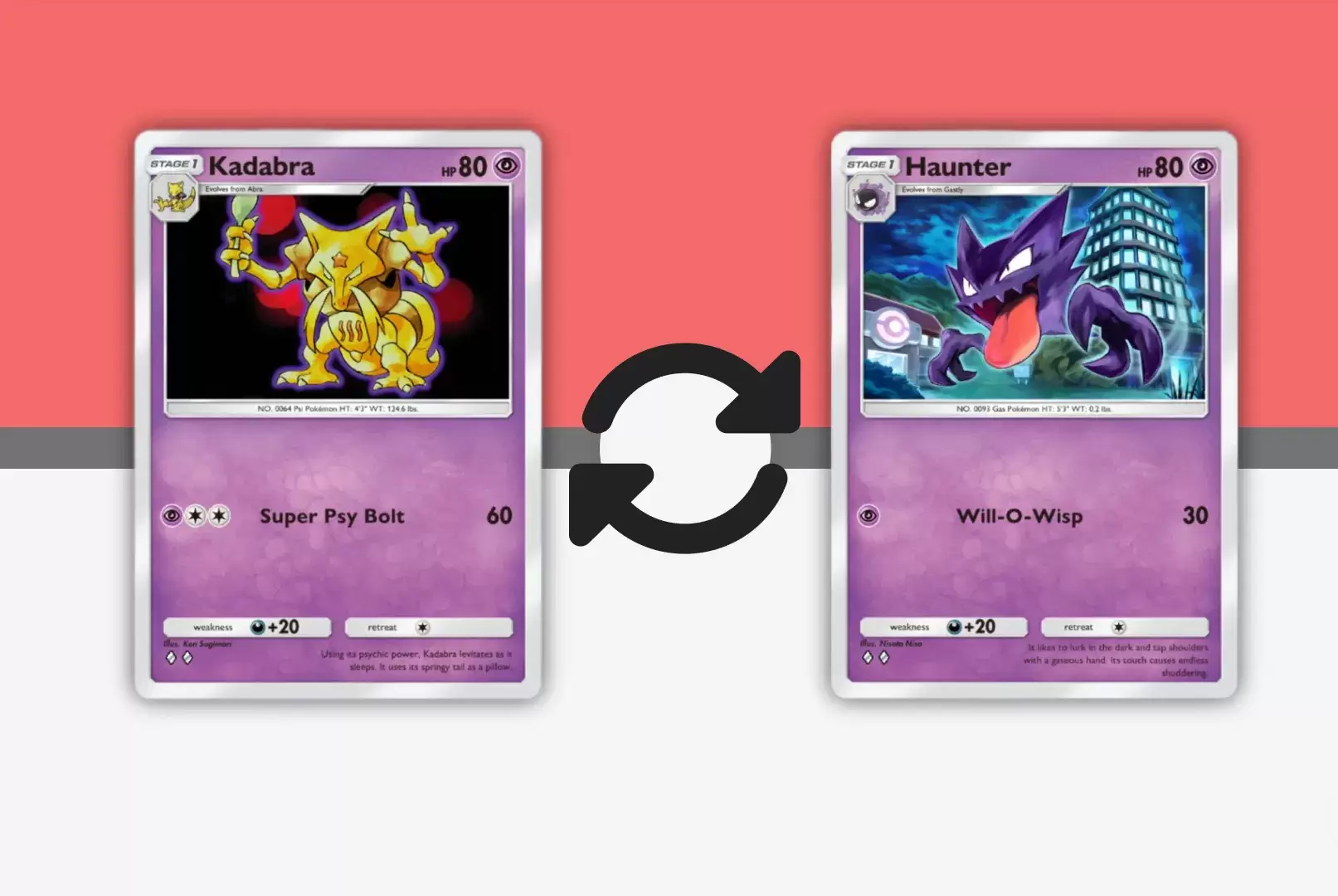 Mar 01,25Trading Features Guide for Pokémon TCG Pocket Mastering Pokémon TCG Pocket's Trading System: A Comprehensive Guide Expand your Pokémon TCG Pocket collection, optimize your deck, and connect with fellow players through the exciting trading system. This guide covers key trading features, effective strategies, and tips for maximizing your trading
 -
 May 06,25"New RPG Isekai∞Isekai Launches with Nine Anime Worlds to Explore" Do you love isekai animes and wish you could play your favorite ones as games on the same platform at once? Colopl has made your dreams come true with their new game, Isekai∞Isekai, which is now available on Android. However, it's important to note that this isn't a global release yet; it's currentl
 -
 May 14,25Pokémon Presents 2025 Unveils Exciting New Reveals Pokémon Presents 2025, held on February 27, once again delighted fans with a host of exciting news. Unexpected announcements, details about the upcoming Pokémon Legends: Z-A, new fighters in beloved games, updates on the franchise’s TV series, and events across various titles — all of this was cover
 -
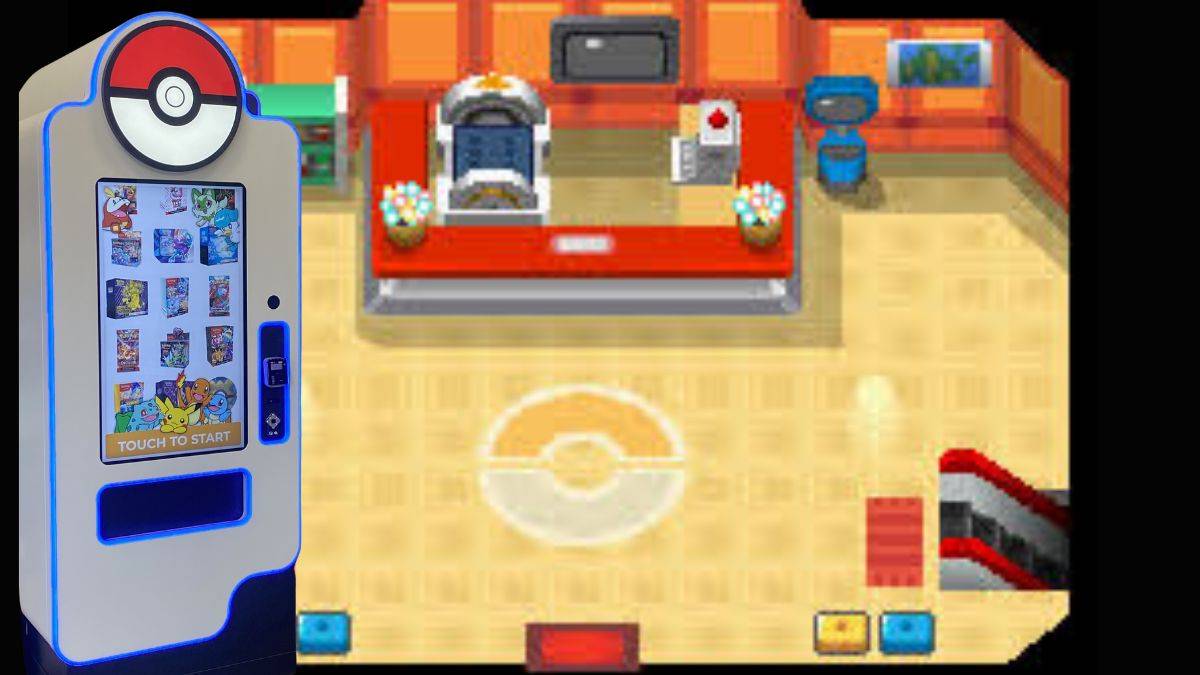 Jan 27,25Discover the Enigmatic Pokémon Vending Machines: Unveiling Their Wonders Discover the World of Pokémon Vending Machines: A Comprehensive Guide Pokémon fans are buzzing about the increasing presence of Pokémon vending machines across the US. This guide answers your burning questions about these automated merchandise dispensers. What are Pokémon Vending Machines? Pokémon