






Monopoly GO Juggle Jam: How to Discard Current Front Items
Quick Links
Monopoly GO's Juggle Jam is an engaging minigame hosted by Peg-E, Mr. Monopoly's robotic companion. While it includes other games like Prize Drop and Sticker Drop, Juggle Jam's addictive gameplay makes it a standout feature. The challenge of predicting the ball sequence is rewarding, offering Carnival Tickets redeemable for fantastic prizes, incentivizing players to master the game. The dynamic nature of the Carnival Store's displayed rewards adds another layer of strategy. Let's explore how to optimize your Juggle Jam experience.
How to Discard Current Front Items in Juggle Jam
 Successful completion of Peg-E's ball-juggling sequences earns you Carnival Tickets. These tickets unlock a rotating selection of prizes in the in-game store, including sticker packs, dice rolls, cash, and flash boosters.
If the current prize selection isn't appealing, you can refresh the store. This replaces the existing items with a new randomized selection. Locate the double arrow icon in the top-right corner of the screen (below your Carnival Ticket total). Clicking the "Shop Refresh" button will initiate the refresh, typically at a cost of Carnival Tickets.
Remember, the Prize Store's contents are random. Refreshing provides a chance to acquire more desirable prizes, such as the valuable vaults.
What To Buy First in Monopoly GO’s Juggle Jam?
While optimal purchasing strategies vary, prioritizing dice rolls and vaults is generally recommended. Vaults consistently contain a mix of valuable items: dice rolls, sticker packs, flash boosters, and cash, making them a sound investment. Prioritize purchasing a vault whenever possible.
However, this is a general guideline. Your approach should align with your play style, collection goals, and the specific rewards available. If you're focused on completing a sticker set or need a particular Flash Booster, those might take precedence over dice rolls and vaults.
-
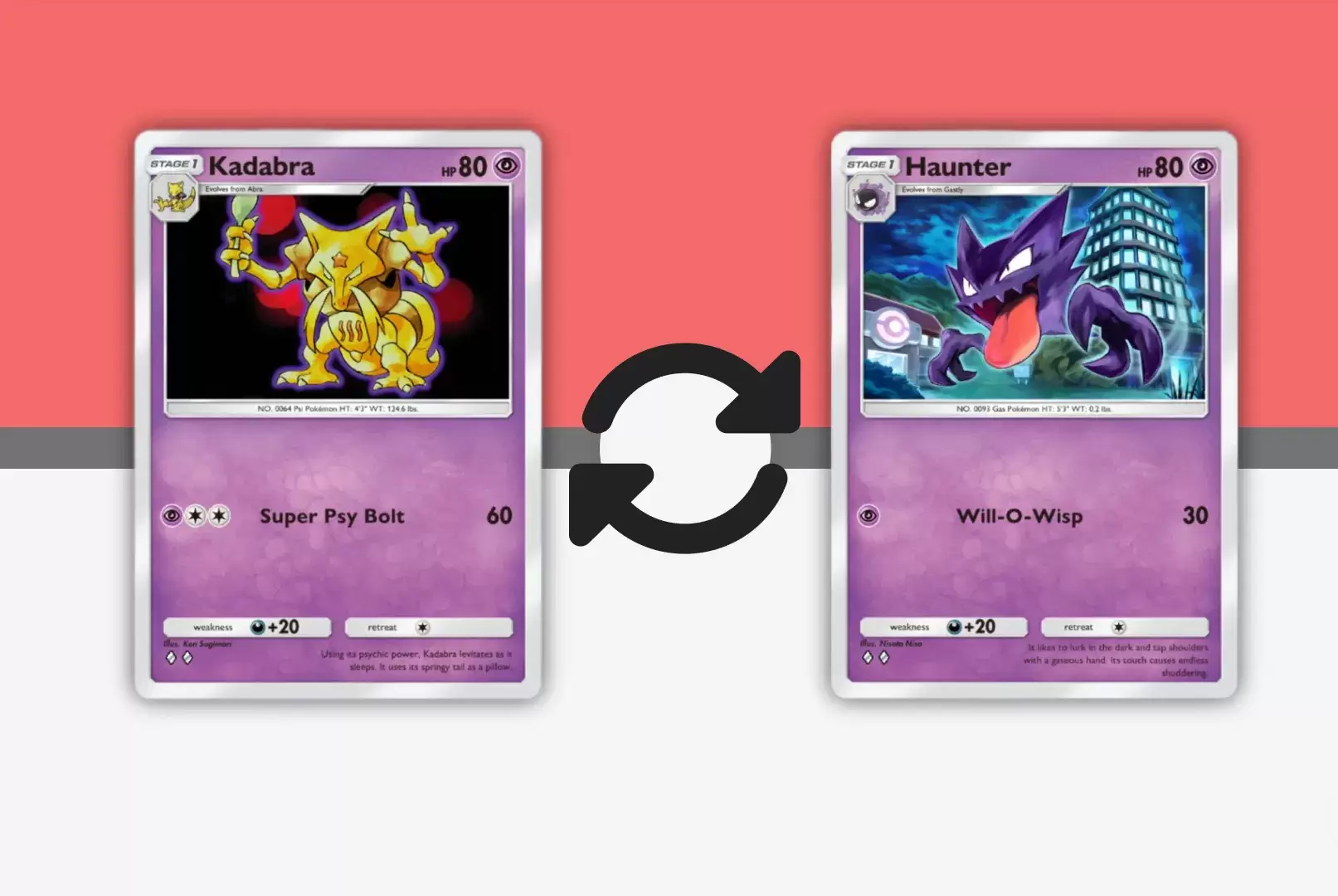 Mar 01,25Trading Features Guide for Pokémon TCG Pocket Mastering Pokémon TCG Pocket's Trading System: A Comprehensive Guide Expand your Pokémon TCG Pocket collection, optimize your deck, and connect with fellow players through the exciting trading system. This guide covers key trading features, effective strategies, and tips for maximizing your trading
 -
 May 06,25"New RPG Isekai∞Isekai Launches with Nine Anime Worlds to Explore" Do you love isekai animes and wish you could play your favorite ones as games on the same platform at once? Colopl has made your dreams come true with their new game, Isekai∞Isekai, which is now available on Android. However, it's important to note that this isn't a global release yet; it's currentl
 -
 May 14,25Pokémon Presents 2025 Unveils Exciting New Reveals Pokémon Presents 2025, held on February 27, once again delighted fans with a host of exciting news. Unexpected announcements, details about the upcoming Pokémon Legends: Z-A, new fighters in beloved games, updates on the franchise’s TV series, and events across various titles — all of this was cover
 -
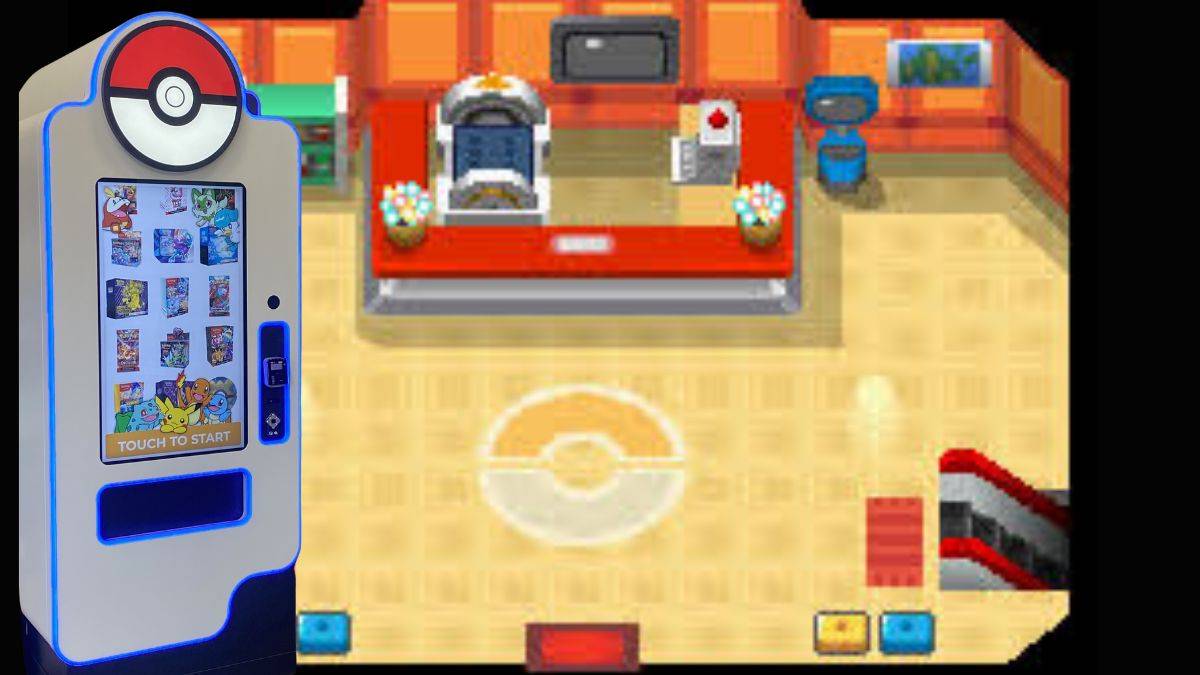 Jan 27,25Discover the Enigmatic Pokémon Vending Machines: Unveiling Their Wonders Discover the World of Pokémon Vending Machines: A Comprehensive Guide Pokémon fans are buzzing about the increasing presence of Pokémon vending machines across the US. This guide answers your burning questions about these automated merchandise dispensers. What are Pokémon Vending Machines? Pokémon