






Delta Force Mobile: Master Match Domination with Top Tips and Tricks
Attention, gamers! The developer has announced a delay in the launch—keep an eye on BlueStacks for the latest updates and comprehensive guides!
Delta Force isn't just another tactical shooter; it's a game that demands precision, strategic thinking, and seamless teamwork. Whether you're engaging in large-scale multiplayer battles or executing stealthy extraction missions, victory hinges on meticulous planning and the ability to adapt on the fly. With its emphasis on diverse operators, customizable equipment, and intricate maps, Delta Force ensures that every tactical decision you make can turn the tide of battle.
This guide is brimming with actionable strategies to elevate your gameplay and outmaneuver your adversaries. From mastering the nuances of various operators to optimizing your gear for different game modes and leveraging BlueStacks for enhanced performance, these tips will give you a decisive advantage in every confrontation.
Play on PC with BlueStacks for Maximum Control
Opting to play Delta Force on a PC using BlueStacks provides unparalleled benefits. The platform's fully customizable control schemes allow you to assign every action to your keyboard and mouse, offering a level of precision and responsiveness that mobile devices simply can't match. Unlike the more rigid controls of the Steam version, BlueStacks empowers you to tailor your gaming experience to fit your unique playstyle perfectly.
In addition to superior controls, BlueStacks elevates your gameplay with enhanced graphics and a seamless, lag-free experience. The larger screen aids in spotting enemies more easily, and features like macro recording can simplify complex maneuvers. For those committed to mastering Delta Force, BlueStacks is your key to unlocking the ultimate gaming experience.
For a detailed walkthrough on setting up Delta Force on your PC, check out our comprehensive PC setup guide.
Start Simple and Build Your Skills
As a newcomer to Delta Force, it's easy to be lured by the allure of advanced operators and sophisticated gear. However, it's wise to start with the basics. Opt for operators with straightforward abilities, such as Stinger, renowned for healing, or Luna, whose reconnaissance tools are user-friendly and invaluable for team synergy. These choices enable you to concentrate on honing fundamental skills without feeling overwhelmed.
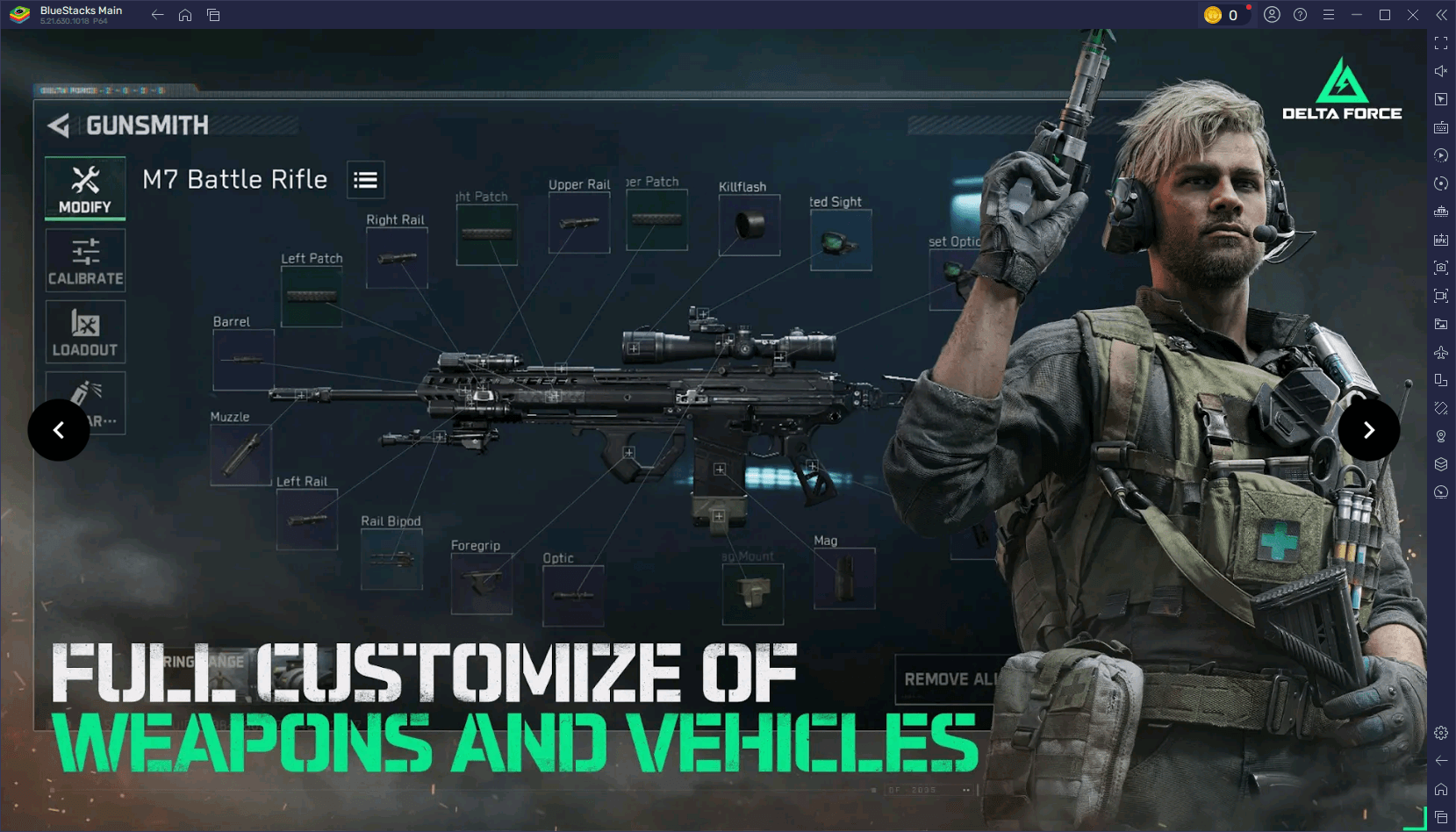
When playing with friends, define clear roles for each team member. Designate someone to focus on healing, another to scout ahead, and a third to lead the offense. Such coordination not only boosts your team's success rate but also enhances the overall gaming experience for everyone involved.
Fine-Tune Your Settings for Better Performance
A seamless gaming experience can dramatically enhance your performance. On mobile devices, optimize your graphics settings according to your device's capabilities by reducing shadows and disabling motion blur to increase your FPS. On a PC with BlueStacks, you can push the envelope further by activating high-resolution textures and fine-tuning advanced graphics options to achieve stunning visuals without compromising performance.
For peak responsiveness, ensure your controls are perfectly adjusted to your preferences. Modify sensitivity settings for more precise aiming and test your setup in practice sessions to ensure everything feels just right. This preparation will set you up for peak performance in every match.
Experiment and Stay Flexible
Delta Force rewards players who can adapt. If a strategy isn't yielding results, be ready to pivot. Experiment with a new operator, try out a different loadout, or explore alternative paths on the map. Observing and learning from your opponents' tactics can also refine your own approach.
Constant experimentation keeps the game engaging and helps you uncover new strategies. Whether it's mastering a vehicle, experimenting with a sniper setup, or developing a fresh team strategy, the more you explore, the more versatile and effective you'll become.
Delta Force challenges players to think tactically and adapt swiftly, making each match a thrilling test of skill and strategy. Armed with these tips, you're now better prepared to tackle any mode, map, or opponent. Remember, for the ultimate Delta Force experience, play on PC with BlueStacks to unlock enhanced controls and performance. Gear up, strategize with your team, and dominate the battlefield. Play smarter and secure bigger victories with BlueStacks!
-
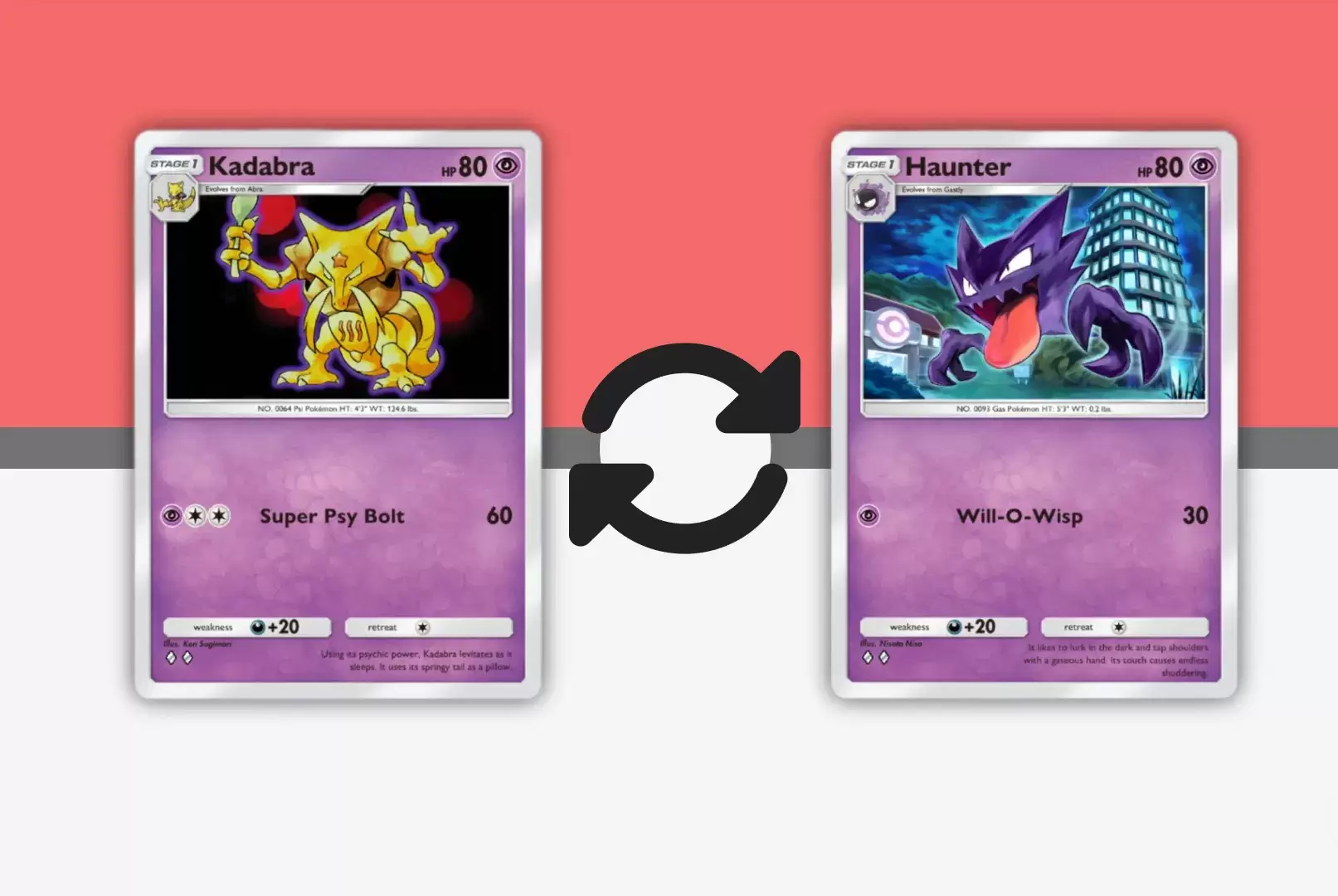 Mar 01,25Trading Features Guide for Pokémon TCG Pocket Mastering Pokémon TCG Pocket's Trading System: A Comprehensive Guide Expand your Pokémon TCG Pocket collection, optimize your deck, and connect with fellow players through the exciting trading system. This guide covers key trading features, effective strategies, and tips for maximizing your trading
 -
 May 14,25Pokémon Presents 2025 Unveils Exciting New Reveals Pokémon Presents 2025, held on February 27, once again delighted fans with a host of exciting news. Unexpected announcements, details about the upcoming Pokémon Legends: Z-A, new fighters in beloved games, updates on the franchise’s TV series, and events across various titles — all of this was cover
 -
 May 06,25"New RPG Isekai∞Isekai Launches with Nine Anime Worlds to Explore" Do you love isekai animes and wish you could play your favorite ones as games on the same platform at once? Colopl has made your dreams come true with their new game, Isekai∞Isekai, which is now available on Android. However, it's important to note that this isn't a global release yet; it's currentl
 -
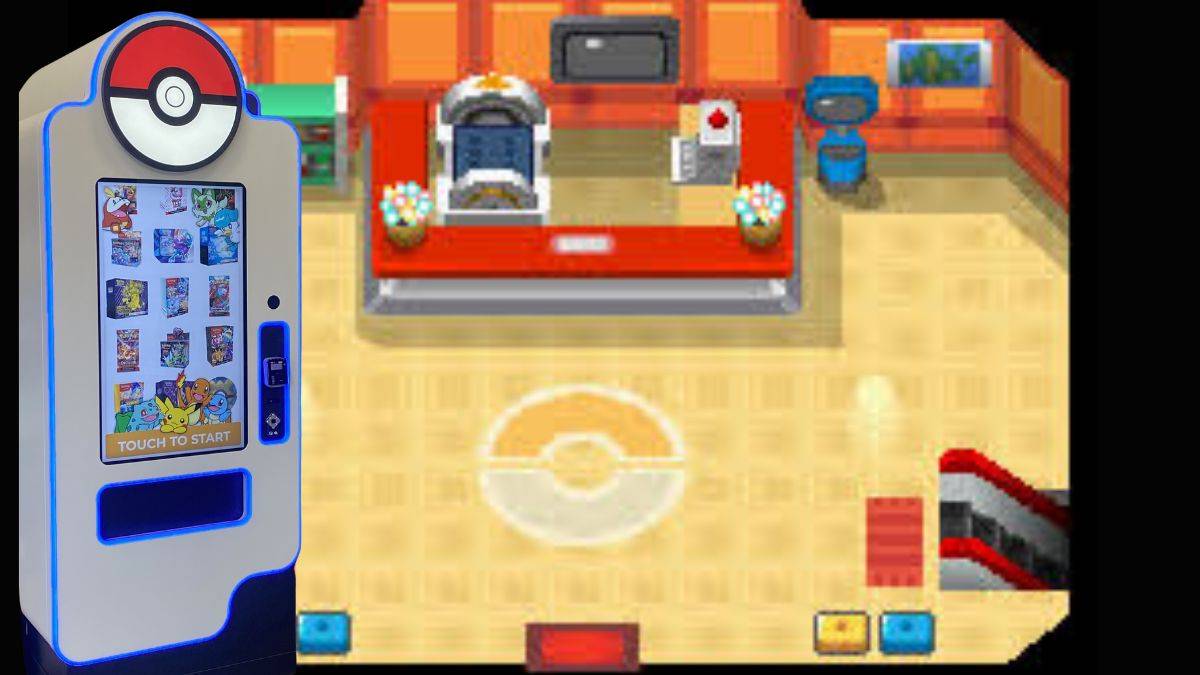 Jan 27,25Discover the Enigmatic Pokémon Vending Machines: Unveiling Their Wonders Discover the World of Pokémon Vending Machines: A Comprehensive Guide Pokémon fans are buzzing about the increasing presence of Pokémon vending machines across the US. This guide answers your burning questions about these automated merchandise dispensers. What are Pokémon Vending Machines? Pokémon