





Vector Ink: SVG, Illustrator

 |
最新バージョン | 1.0.3 |
 |
アップデート | Jun,30/2026 |
 |
開発者 | Vector Ink LLC |
 |
OS | Android 7.0+ |
 |
カテゴリー | アートデザイン |
 |
サイズ | 16.8 MB |
 |
Google PlayStore |  |
| タグ: | アート&デザイン |
-
最新バージョン
1.0.3
-
アップデート
Jun,30/2026
-
開発者
Vector Ink LLC
-
OS
Android 7.0+
-
カテゴリー
アートデザイン
-
サイズ
16.8 MB
-
Google PlayStore


 ダウンロード(1.0.3)
Create stunning vector graphics online with intelligent design tools.
Searching for the top Android app for vector graphic design? Your search ends here.
Vector Ink simplifies your entire vector graphic design workflow.
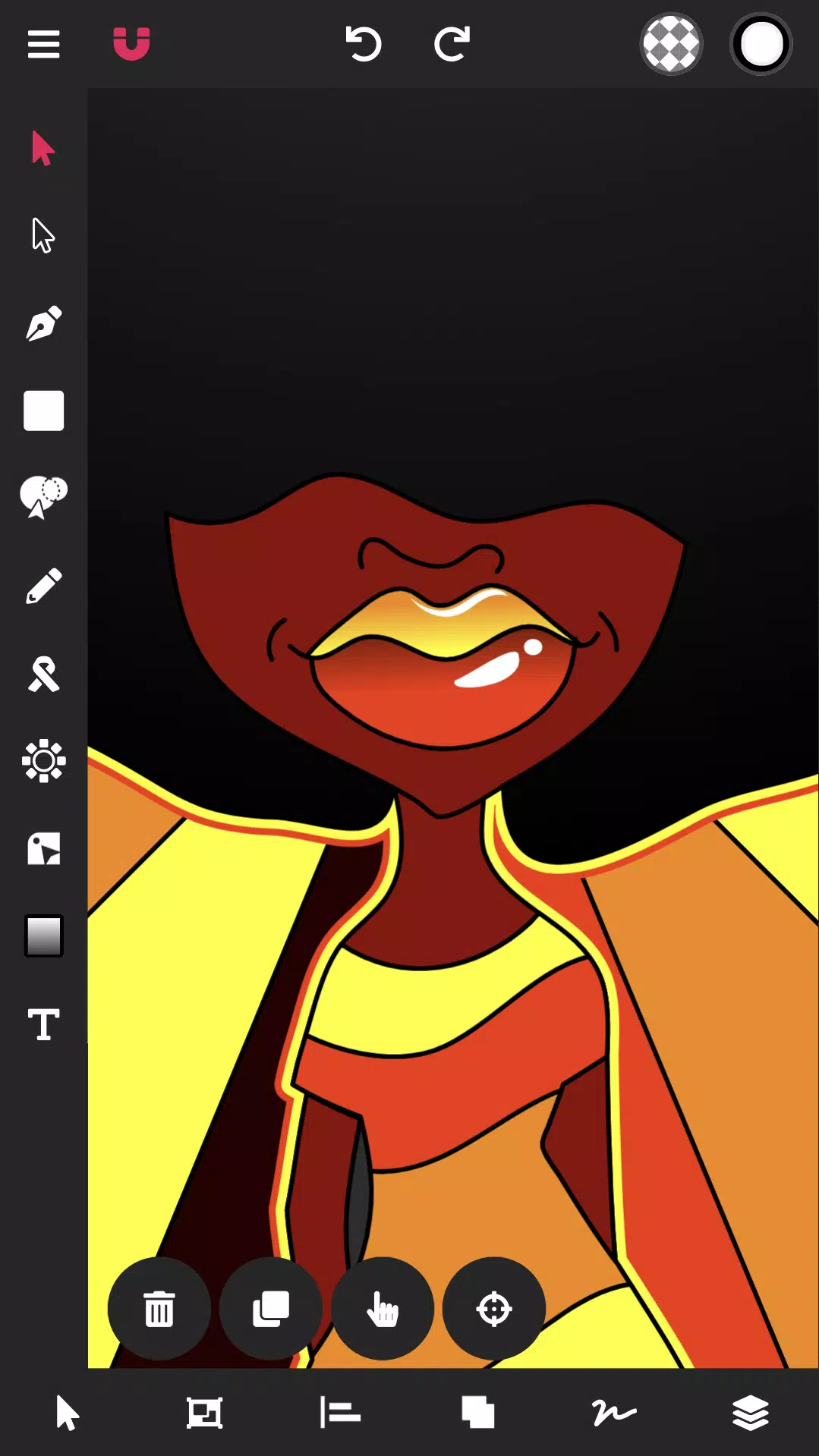
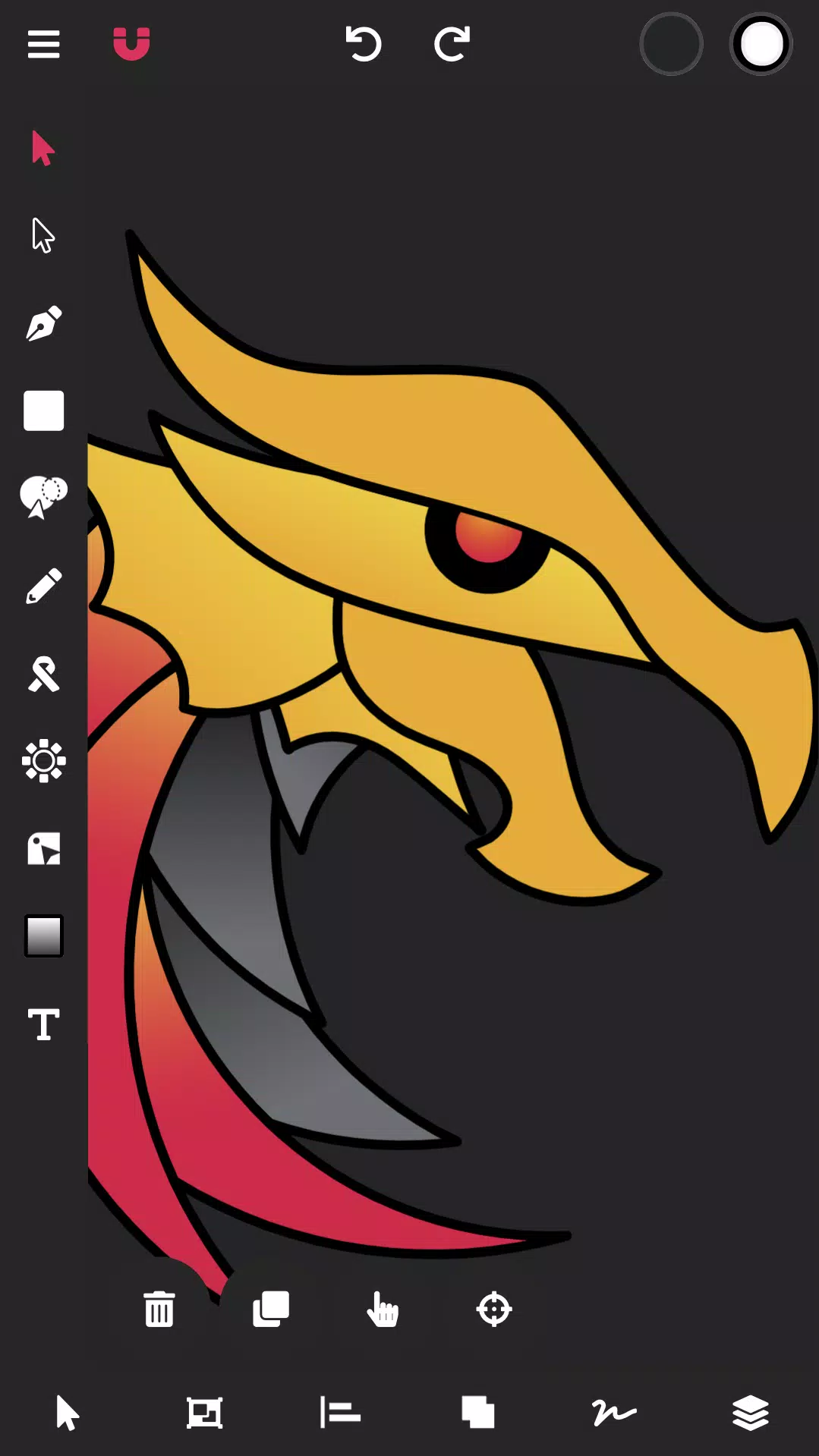
Vector Ink is perfect for graphic design, logo creation, illustration, character design, vector tracing, and designing business cards, flyers, posters, and so much more!
Vector Ink provides smart vector graphic design tools that push creative boundaries, enabling anyone to bring their imaginative ideas to life.
Draw with stabilizers that guide your freehand strokes. The Draw Tool automatically connects to the nearest open path, so you can lift your stylus and resume drawing without manually merging lines.
Don’t own a stylus? Vector Ink includes built-in virtual stylus technology, so you can draw with your finger while clearly seeing your work—no physical stylus needed.
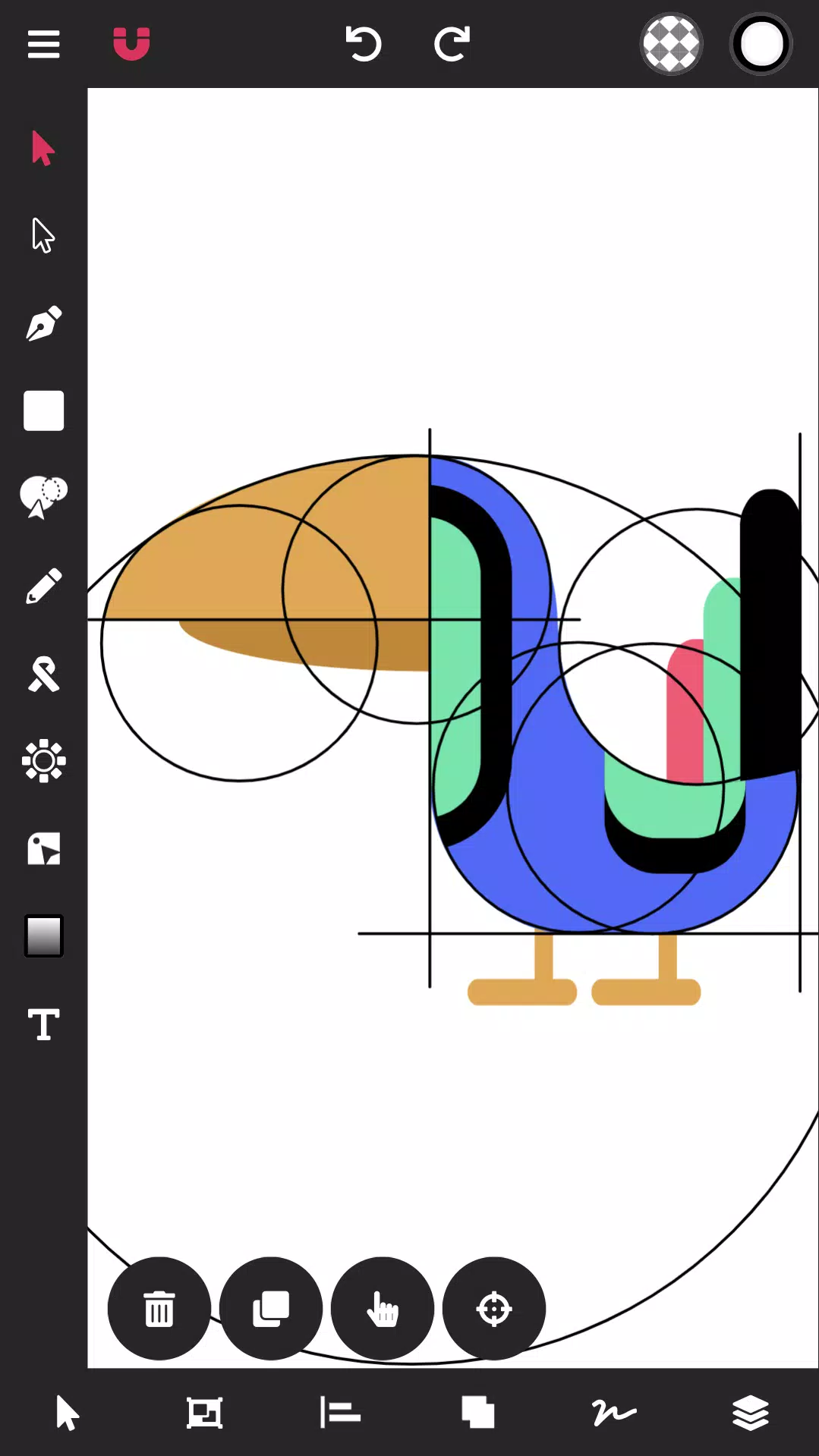
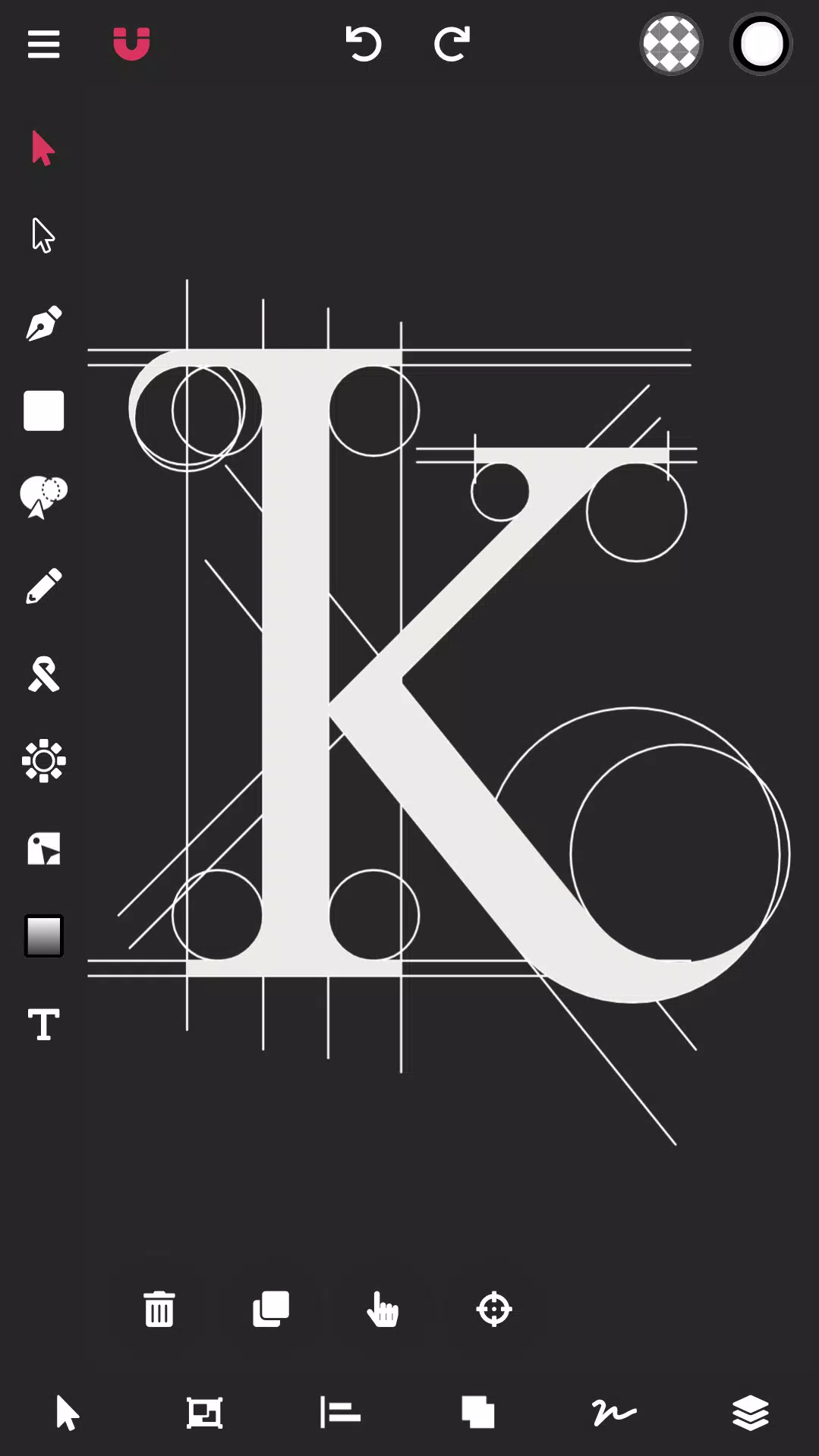
With Vector Ink, logo designers can import paper sketches or artwork, trace using the Path Builder Tool, and export professional, geometrically precise vector logos.
Creating vector art should be simple, but often it's not. Many times, you spend hours struggling with the pen tool or taking shortcuts to mimic perfect shapes. Those days are over. Vector Ink's smart Path Builder Tool merges and builds the exact shape you want with perfect accuracy and minimal effort.
Bring your shapes to life with advanced color tools. Vector Ink offers linear and radial gradients, multiple color pickers, and a sophisticated color palette editor to create, manage, and save custom palettes for future use.
Features:
- Built-in Digital Stylus
- Draw Tool
- Path Builder Tool
- Distribute Tool
- Pen Tool
- Gradient Tool
- Corner Tool
- Ribbon Tool
- Rectangle Tool
- Circle Tool
- Star Tool
- Polygon Tool
- Path controls
Stroke sizes and stroke caps
Convert stroke to path
Outline Text (text to path)
Import Custom Fonts
PNG & JPG Import & Export
SVG Import & Export
Export Selection as SVG
Features in-depth:
Path Builder Tool
- Merge multiple shapes into one.
- Merge a single shape into another.
- Trace over imported illustrations or logo grids with geometric precision.
- Create complex shapes in seconds—tasks that usually take minutes.
Draw Tool
- Freehand drawing with smart guides to stabilize strokes.
- Automatically connects to existing strokes, allowing you to lift your pen and continue on the same path.
- The first built-in Digital Stylus improves touchscreen design by showing exactly where you draw and helping with detailed canvas work.
Distribute Tool
- Distribute shape copies horizontally or vertically.
- Distribute copies around a point or another shape.
- Arrange shape copies in a grid layout, both horizontally and vertically.
Gradient Tool & Color Picker
- Choose from multiple color pickers (wheel, RGB, HSB, hex pad, and palette picker).
- Linear and radial gradient styles
- Add and remove gradient stops
Color Palettes
- A beautiful library of color palettes ensures your designs always look professional.
- Generate unlimited color palette options so you never run out of ideas.
- Add endless colors to a palette, and we’ll automatically generate complementary shades.
- Save your color palette for use in other projects.
Layers
- Add and delete layers
- Group objects
- Reorder layers, shapes, and groups
Document Settings
- Adjust document width and height
- Change the document background color
Import/Export
- Import PNG, JPG, and SVG files
- Export PNG, JPG, and SVG files
- Export at any size
- Export PNG with a transparent artboard
- Export any selected shapes as individual SVGs