





AR Art Projector Drawing App
 |
Latest Version | 1.42 |
 |
Update | Jun,24/2026 |
 |
Developer | Lingua Apps |
 |
OS | Android 7.0+ |
 |
Category | Art & Design |
 |
Size | 23.3 MB |
 |
Google PlayStore |  |
| Tags: | Art & Design |
-
Latest Version
1.42
-
Update
Jun,24/2026
-
Developer
Lingua Apps
-
OS
Android 7.0+
-
Category
Art & Design
-
Size
23.3 MB
-
Google PlayStore


 Download(1.42)
Master sketching techniques with the AR Art Projector Drawing app.
Unleash Your Inner Artist Using the AR Art Projector Drawing App
Are you an aspiring artist aiming to elevate your drawing abilities? Or are you an experienced creator searching for innovative methods to express your artistic vision? Discover the AR Art Projector Drawing app—your ultimate partner for mastering drawing skills and crafting impressive artworks with augmented reality capabilities.
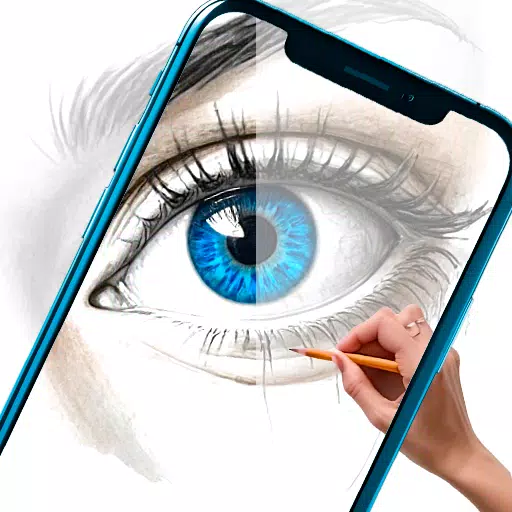
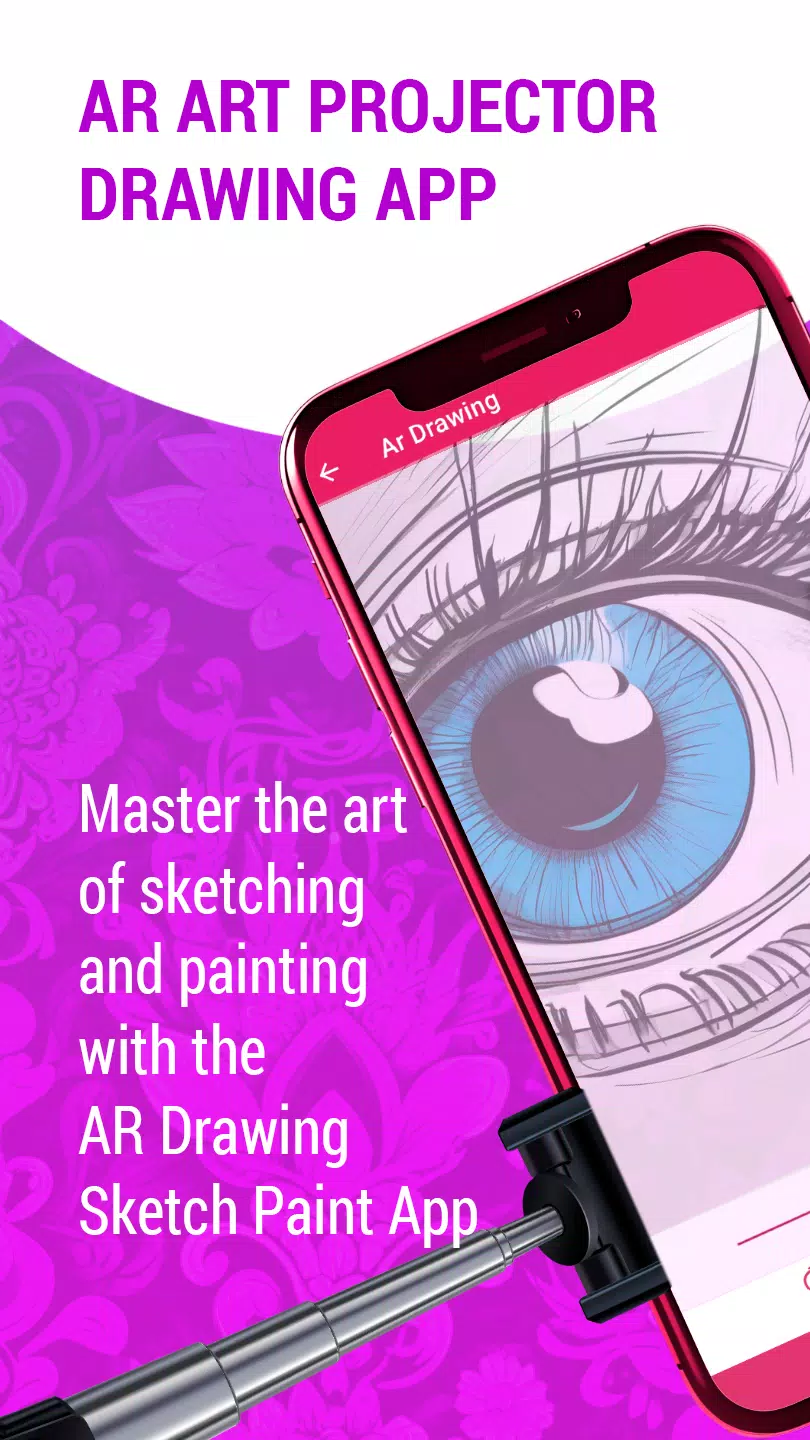
This revolutionary mobile app leverages augmented reality to transform how you learn and produce art. Its state-of-the-art AR projector technology lets you easily project images from your phone or tablet onto paper or canvas, enabling precise tracing and drawing with an image projector.
With an extensive library of high-quality sketches, paintings, and creative drawings spanning various styles, this AR art projector application is a valuable resource for artists at any level. Whether you're a novice building foundational skills or a professional exploring new creative avenues, this AR art app offers something for everyone.
Key features of the AR Art Projector Drawing app include:
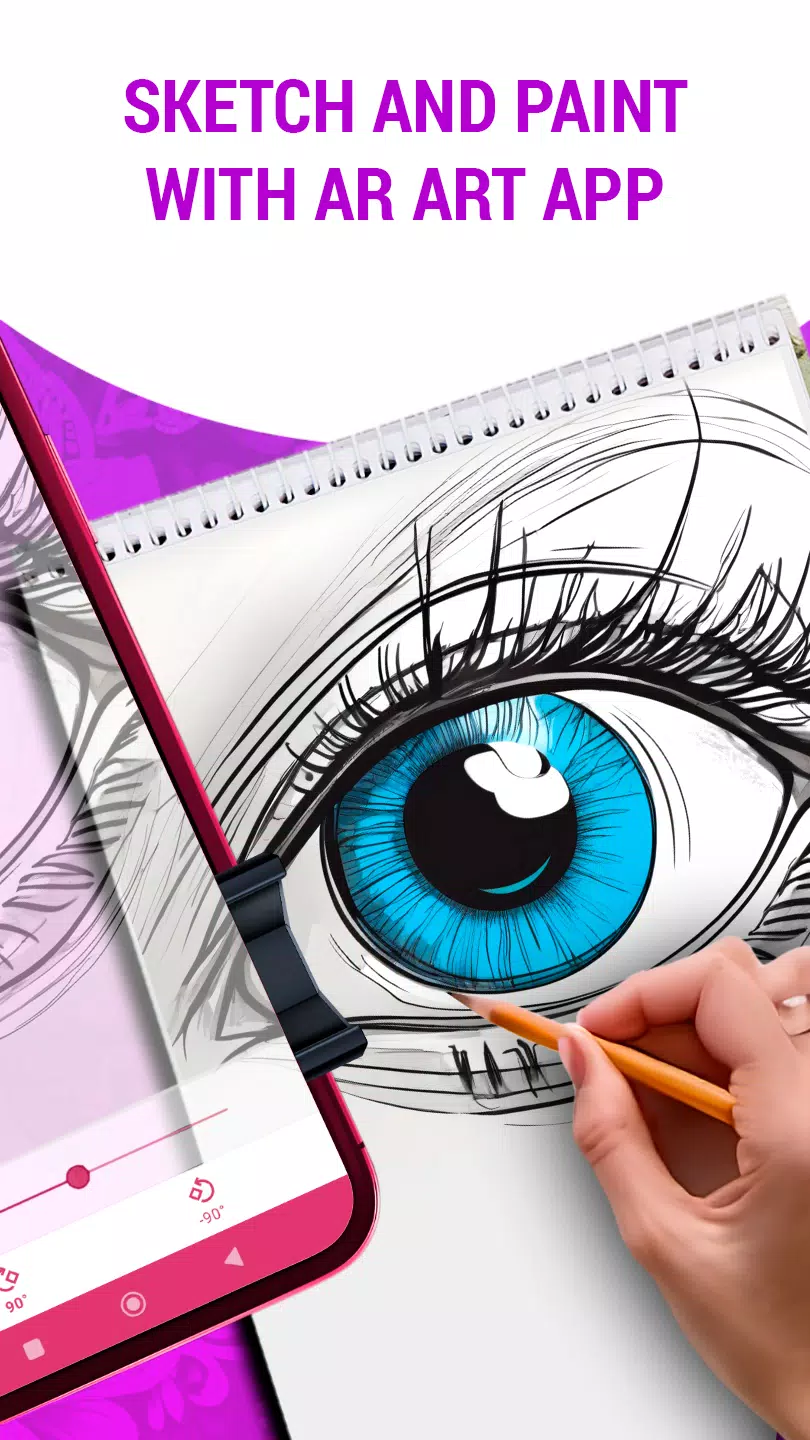
Project Images Onto Paper: Smoothly transfer images from your device onto paper or canvas using the art projector, ensuring accurate tracing and drawing.
Adjust Transparency, Rotation, and Zoom: Customize projected images by modifying transparency, rotating orientation, or zooming for ideal drawing alignment.
Diverse Drawing Styles: Experiment with multiple artistic approaches, from realistic sketches to abstract creations, matching your personal style.
Easy Sketch Learning: Develop sketching proficiency through comprehensive tutorials that walk you through each step of the drawing process.
Enhance Drawing Abilities: Practice consistently with the app and advance your skills toward mastery.
Convert Digital Art: Quickly transform digital artwork into pencil sketches or beautiful drawings with simple taps in the AR art drawing application.
User-Friendly Interface: Experience smooth, intuitive navigation designed for both newcomers and seasoned artists, making your creative journey enjoyable.
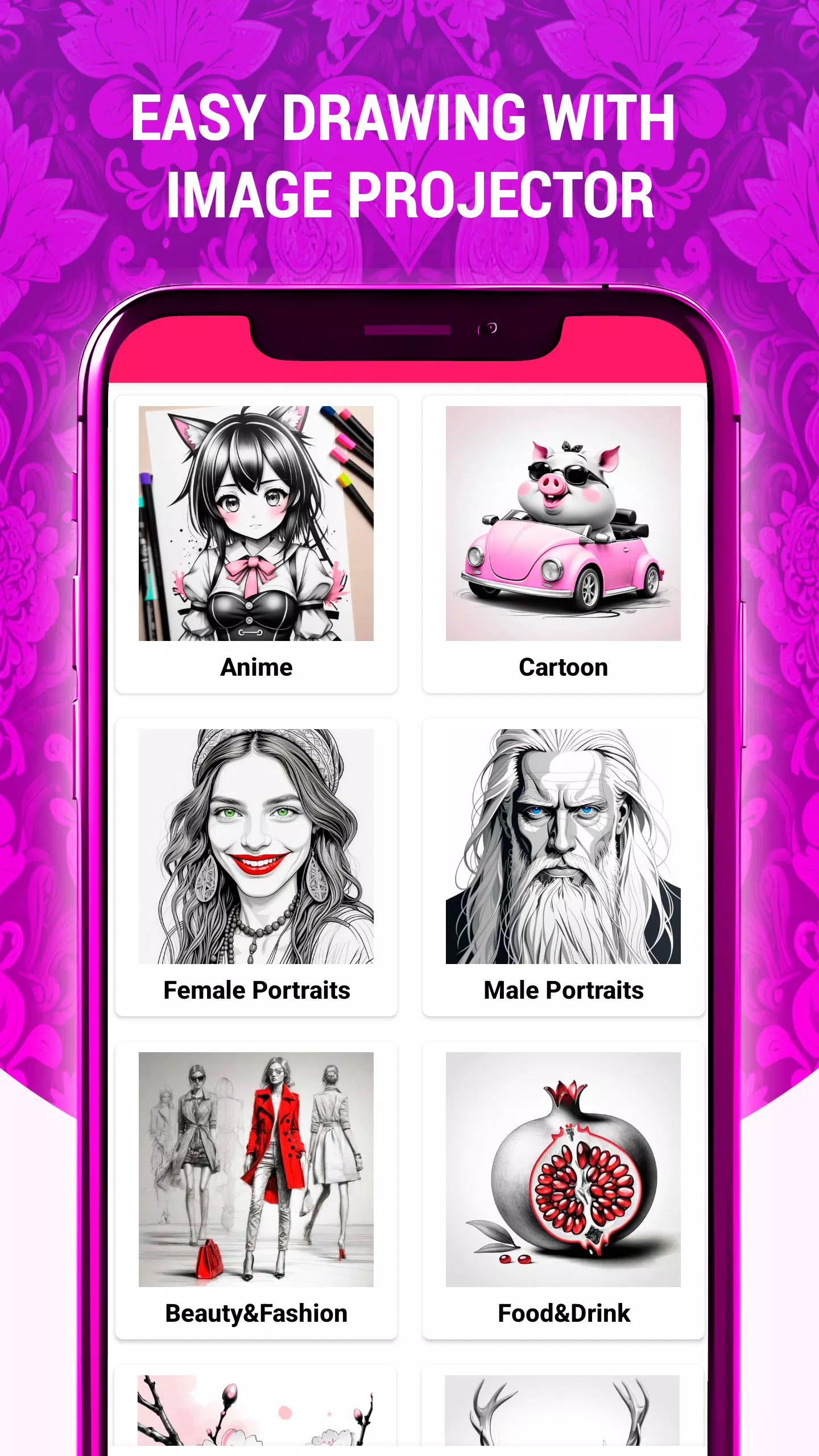
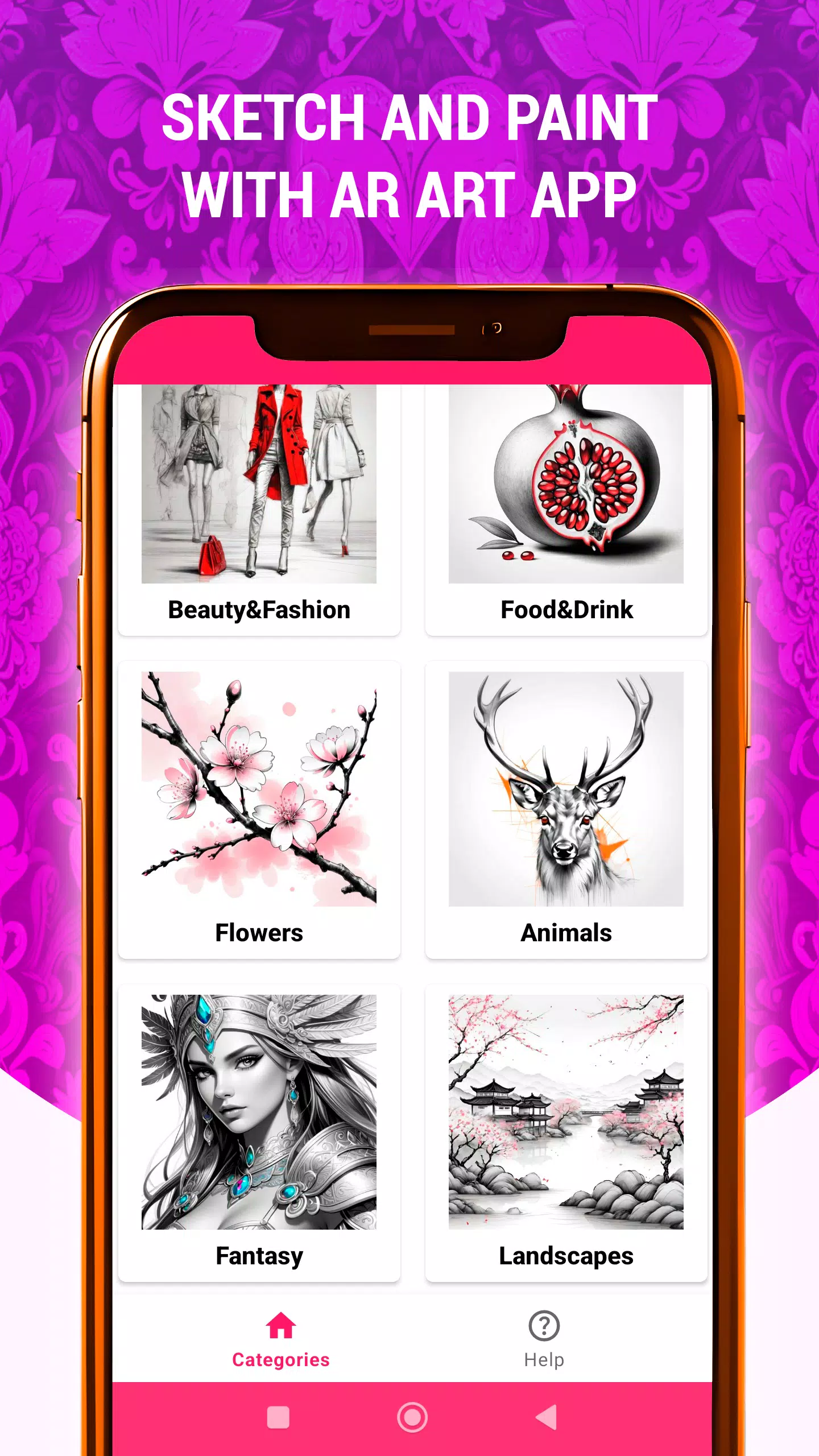
Multiple Tracing Categories: Trace various subjects including Animals, Anime, Beauty & Fashion, Cartoon, Fantasy, Flowers, Food & Drink, Landscapes, and more.
Whether you want to unlock creativity, improve technical skills, or simply enjoy artistic expression, the AR Art Projector Drawing app is your perfect partner for an exceptional AR art experience. Download now and begin your unique creative adventure!
Latest Version 1.42 Updates
Last updated on Nov 6, 2024
New AR Drawing category: "Still Life"
Additional sketches and drawings featuring still life compositions (fruits, flowers, jugs, etc.)