






AI Drawing
 |
Latest Version | 3.6 |
 |
Update | Jun,29/2026 |
 |
Developer | The App Company INC |
 |
OS | Android 6.0+ |
 |
Category | Art & Design |
 |
Size | 28.7 MB |
 |
Google PlayStore |  |
| Tags: | Art & Design |
-
Latest Version
3.6
-
Update
Jun,29/2026
-
Developer
The App Company INC
-
OS
Android 6.0+
-
Category
Art & Design
-
Size
28.7 MB
-
Google PlayStore


 Download(3.6)
AR Drawing: Master sketching, tracing, painting, and create breathtaking works of art!
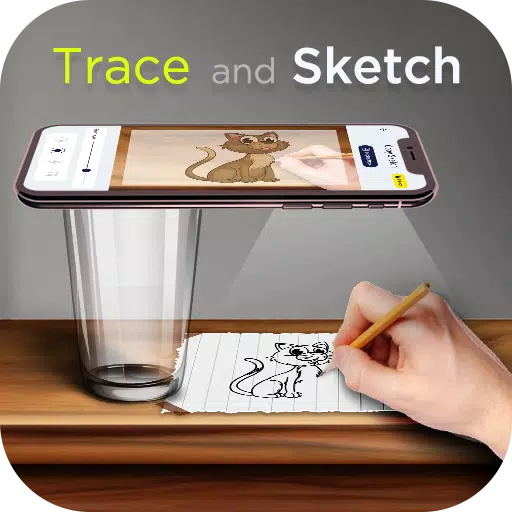
AR Drawing is an advanced picture tracing application that teaches you to draw while enabling you to produce amazing sketches and paintings using AI Drawing technology. Draw anything you imagine on any surface by utilizing your phone’s camera. Simply follow the projected image on paper and fill it with color!
Whether you are a skilled artist or a beginner, discover how to draw in just three days! AR Drawing Trace to Sketch offers the ideal way to unleash your creativity and open up new artistic horizons. With AR Drawing, you can learn and refine your drawing skills while effortlessly tracing images.
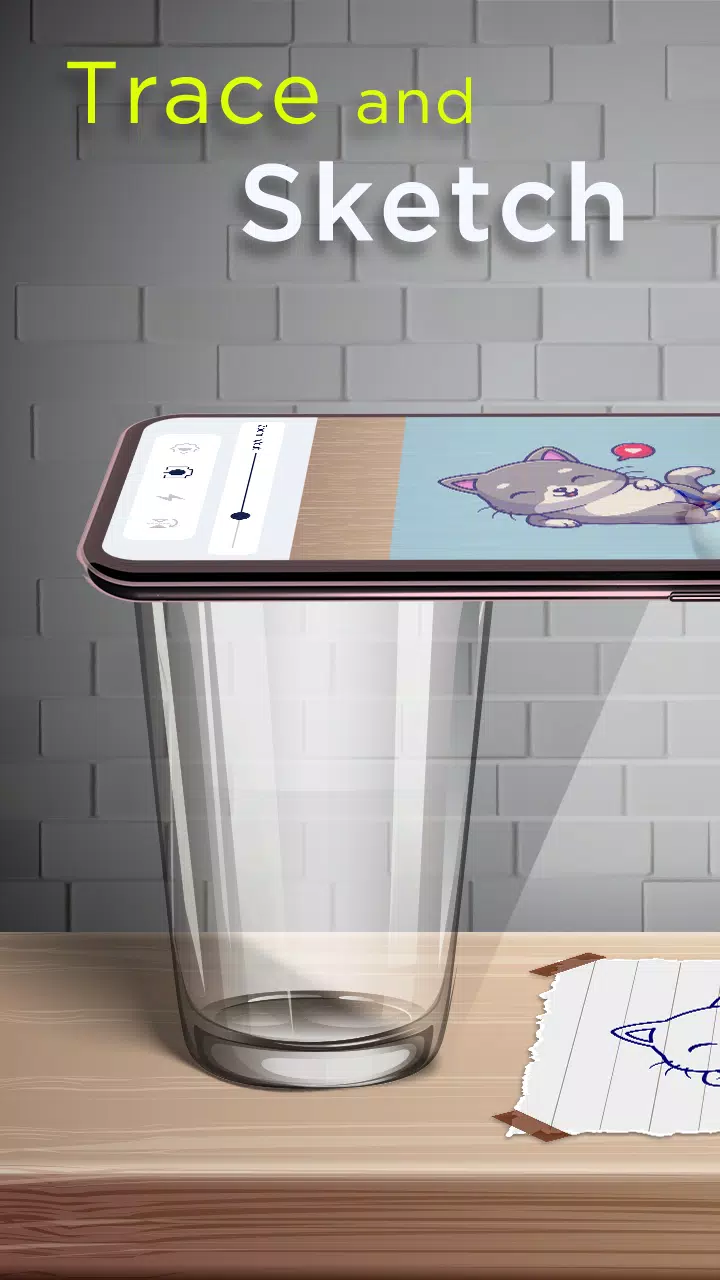
Pick an image from the Trace Drawing app or your gallery, apply a sketch filter to make it traceable, and the image will show on the screen once the camera is active. Hold your phone about one foot above your surface, watch through the screen, and begin drawing on paper.
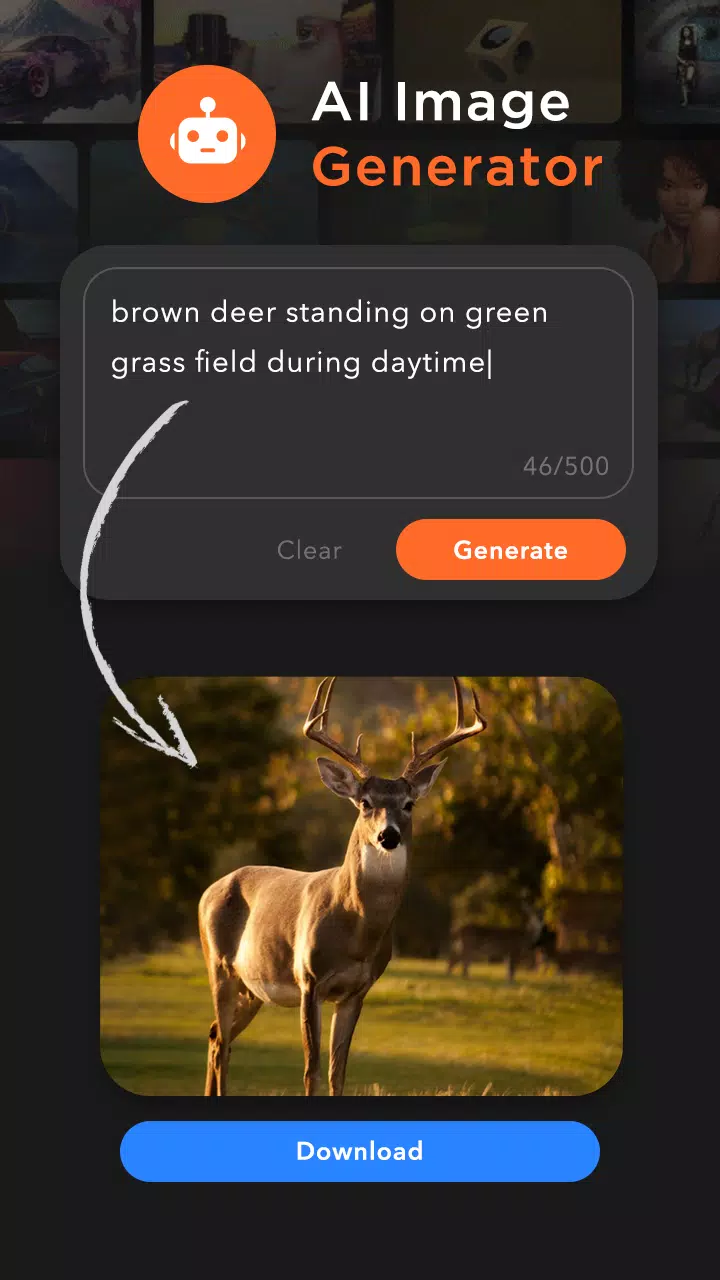
Discover inspiring images through the AI Image creator. Type a description of the image you want, and the AI Image generator will deliver the perfect result. Convert the downloaded image into a sketch, and it’s ready for tracing.
The app offers Image Categories and more than 200 built-in sketches including:
Cartoon - Flowers - Vehicles - Food - Animals - Objects - Outline Images - Others
Key Features of the Trace to Sketch App:
• AI Image Generator
- Type your text description and download an AI-generated image. Then download and begin tracing.
• Copy Sketch:
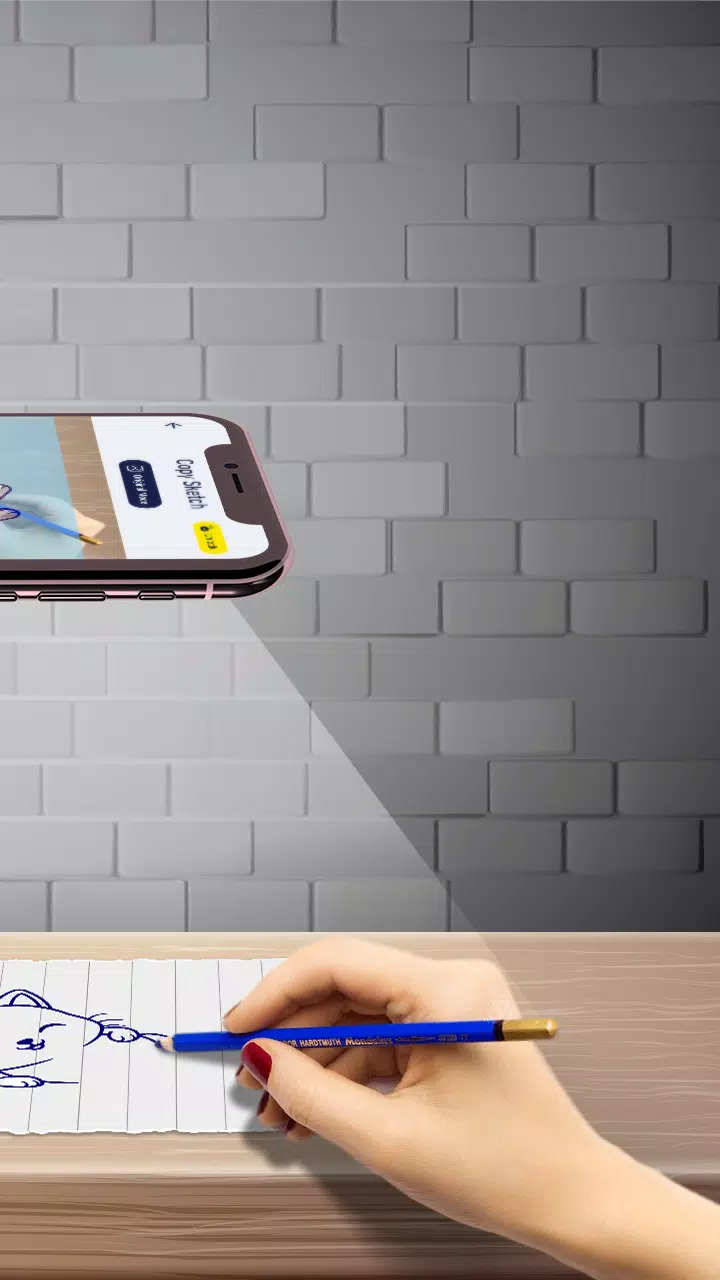
- Choose from built-in images or your phone's storage, then trace the image with your camera. Set your phone on a tripod about one foot above the paper, look at your screen, and draw on paper.
• Trace Sketch
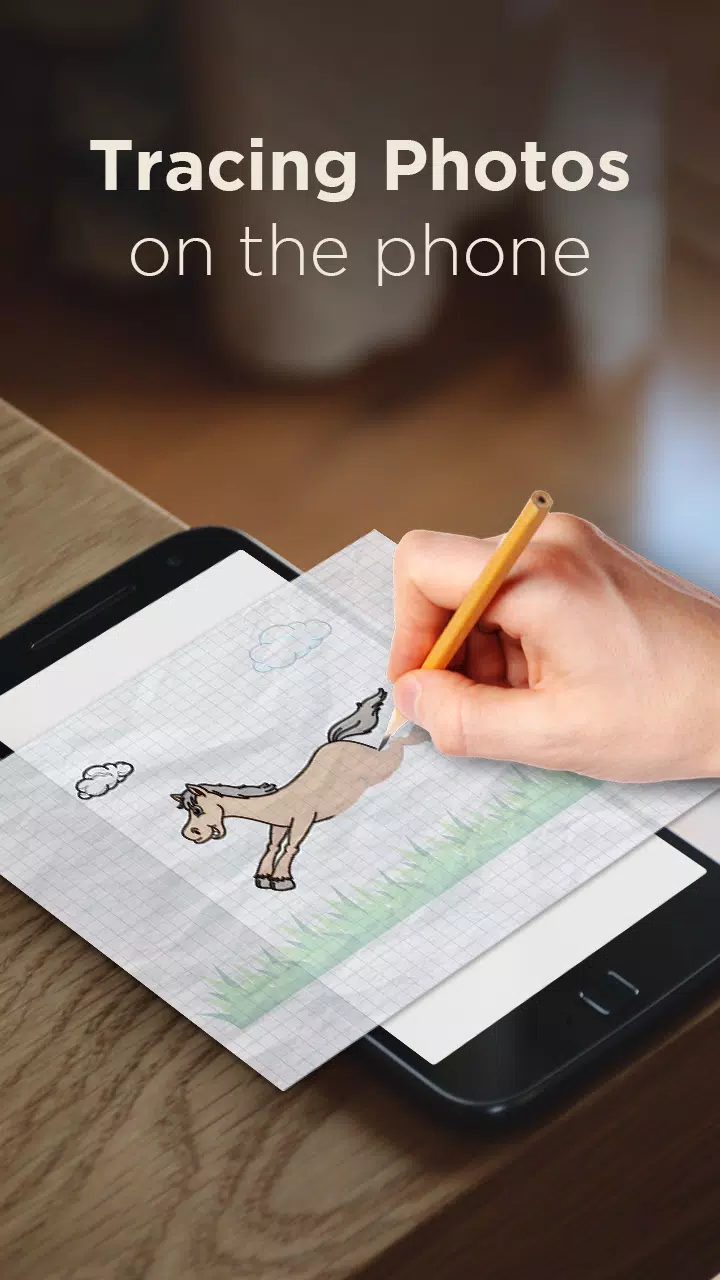
- Draw on paper while viewing a transparent image overlaid through your phone.
• Image To Sketch
- Transform color photos into sketch images using different sketch modes.
• Drawing Pad
- Quickly draw and draft creative ideas directly in your digital sketchbook.
• Tracing Features
- Select from sample images and reproduce them in your sketchbook.
- Choose any photo from your gallery, convert it into a traceable outline, and sketch it on blank paper.
- Adjust image transparency or convert to line art for your projects.
- Use your phone’s camera as a drawing guide
- Integrated flashlight for better visibility
- Create sketches and apply color
- Share final artwork with friends
• My Creations
- Review all sketchbook drawings and AI-downloaded images.
- Create sketches and share your images.
Download the "AR Drawing: Paint & Sketch" app today and begin crafting your own masterpieces! Sketch, paint, create!
What's New in the Latest Version 3.6
Last updated on Nov 7, 2024
Minor bugs have been resolved.